
UniTV APK Remote Control Not Working – Easy Fixes
If the UniTV APK remote control is not working, then you cannot select videos, open settings, control playback, or move from the homepage of the app. There are several reasons that can cause this issue. The remote may have a low battery, the TV or TV box may not detect it, or the UniTV app may have a temporary problem. We will suggest you check if the remote is working with other apps or not because in some cases it is just showing issues with the UniTV APK TV. A quick restart or app reset can often fix the problem. In this guide, we will explain the most common reasons why the UniTV APK remote control is not working and the easy ways to fix it.
Why Is the UniTV APK Remote Control Not Working?
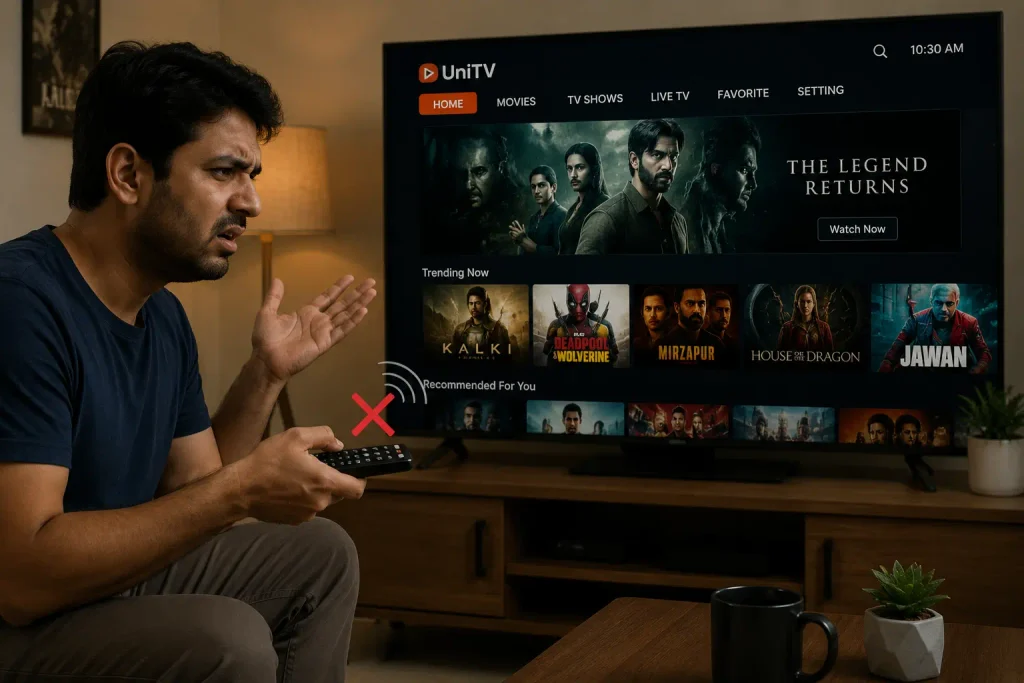
There are different reasons for this problem, and below are the most common ones:
- Weak or dead remote batteries
- Remote not connected to the TV box
- Bluetooth connection problem
- TV box not responding
- UniTV APK temporary error
- Old version of the app
- App cache problem
- Poor remote compatibility
- Device needing a restart
- UniTV net APK not responding correctly to remote buttons
Before trying advanced steps, check whether the remote works with other apps so we know if the problem is with the remote or UniTV APK TV.
Check the Remote Batteries
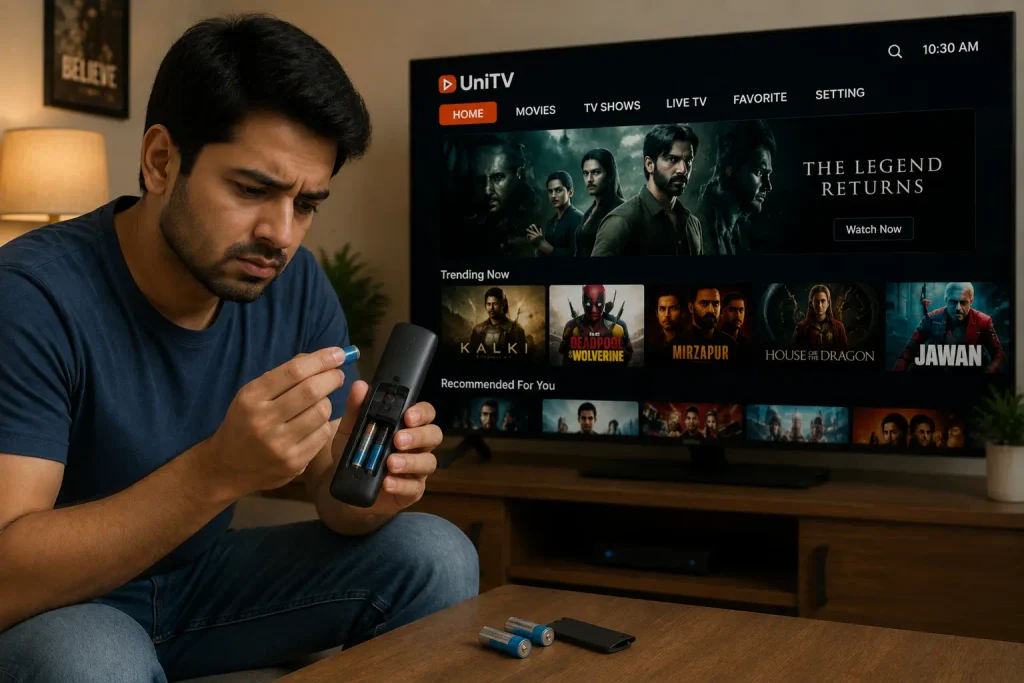
If there is an issue with your remote, then the first thing to check is the batteries. If the batteries are weak, then it can make the remote slow or completely unresponsive. Remove the batteries from the remote and put in a fresh pair. Make sure they are placed in the correct direction. After changing the batteries, point the remote toward the TV or Android TV box and try pressing a few buttons. If the remote starts working, the problem was caused by the old batteries. Now, you can stream movies and webseries on your UniTV APK Firestick or Android TV without any problem.
Restart Your Android TV or TV Box
If there is no issue with the remote batteries, then you should restart the Android TV or TV Box, as a simple restart can fix many temporary problems. Turn off your TV and wait for a few seconds, then turn it on again. Once the device starts, open UniTV APK TV and check the remote. You can also unplug the TV box from the power source for a short time and then plug it back in.
Check the Remote Connection
Most of the people are using Bluetooth remotes, and sometimes these remotes lose connection, which makes the user face difficulty while streaming. If you use a Bluetooth remote, check its connection. Open the Bluetooth settings on your Android TV or TV box and look for the remote in the list of connected devices. If it is disconnected, connect it again. If the remote is already connected but does not work, remove it from the Bluetooth list and pair it again. Now, open UniTV APK and check if the buttons are working.
Check if the Remote Works in Other Apps
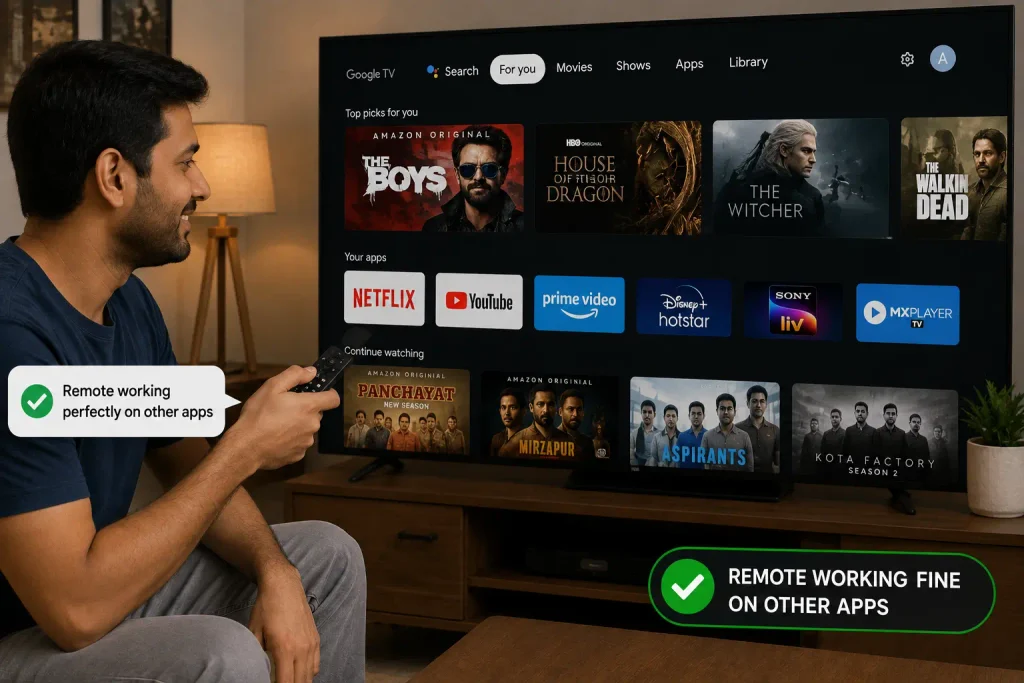
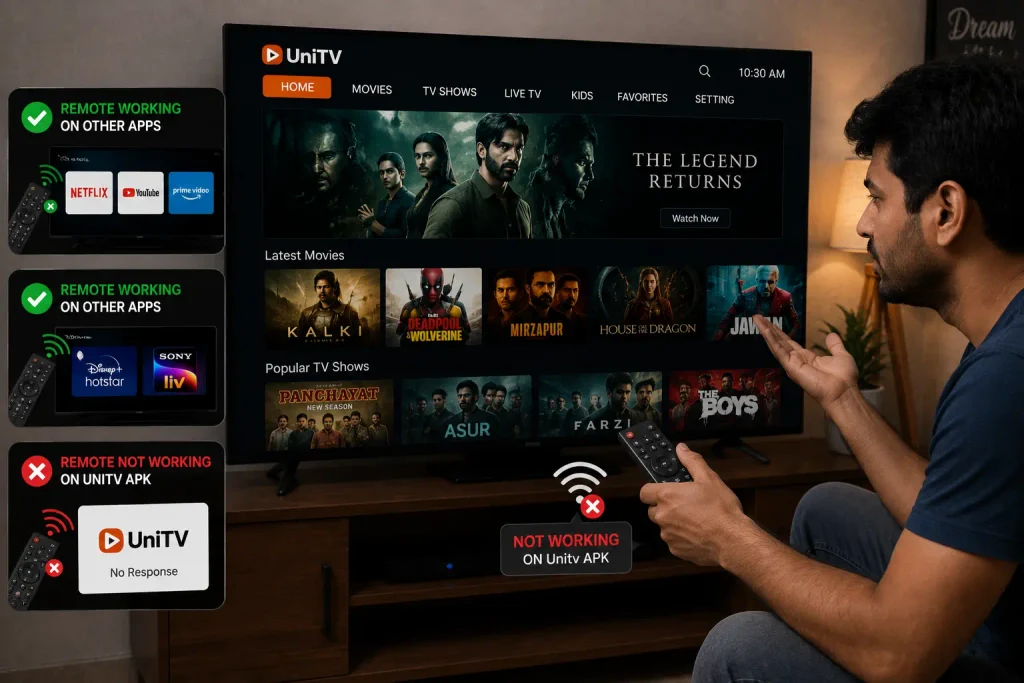
In some cases, the remote works well with other apps but shows problems while using the UniTV APK. Open another app on your TV, such as a video player or another streaming app. Try using the remote there, and if the remote does not work, then the problem is probably with the remote, batteries, Bluetooth connection, or TV box. If the remote works in other apps but not in UniTV APK, the problem may be related to the app. This simple test can save you time because you will know where to look for the problem.
Quick Fixes to Try First
If you want to fix the problem quickly, try these steps in order:
- Replace the remote batteries.
- Restart your Android TV or TV box.
- Check the Bluetooth connection.
- Test the remote in another app.
- Close and reopen UniTV APK.
- Clear the app cache.
- Check for a newer app version.
- Pair the remote again.
- Try a mouse or another compatible remote.
- Reinstall UniTV APK if needed.
These steps cover most basic remote-control problems. If you want to use the App on mobile, then we will suggest you to Download UniTVnet APK iOS.
When Should You Check the Remote?
If the remote does not work with any app, do not focus only on UniTV APK. Check the batteries first, and then check the Bluetooth connection or remote pairing. If nothing works, the remote itself may be damaged. In that case, testing another compatible remote can help confirm the problem.
Final Words
A UniTV APK remote control not working problem can easily be fixed with a few simple steps. Start with checking the batteries and restart your TV or TV box. Check the remote connection and test it with another app. If the remote works in other apps, try restarting UniTV APK, clearing its cache, or installing a compatible updated version. If the remote does not work anywhere, check the remote or Bluetooth connection instead. The best method is to test one solution at a time, as it makes it easier to find the exact cause of the problem and get your remote working again.